Knowledge base
Press guidelines
For the best results, it is important to use the correct settings when heat-pressing DTF transfers.
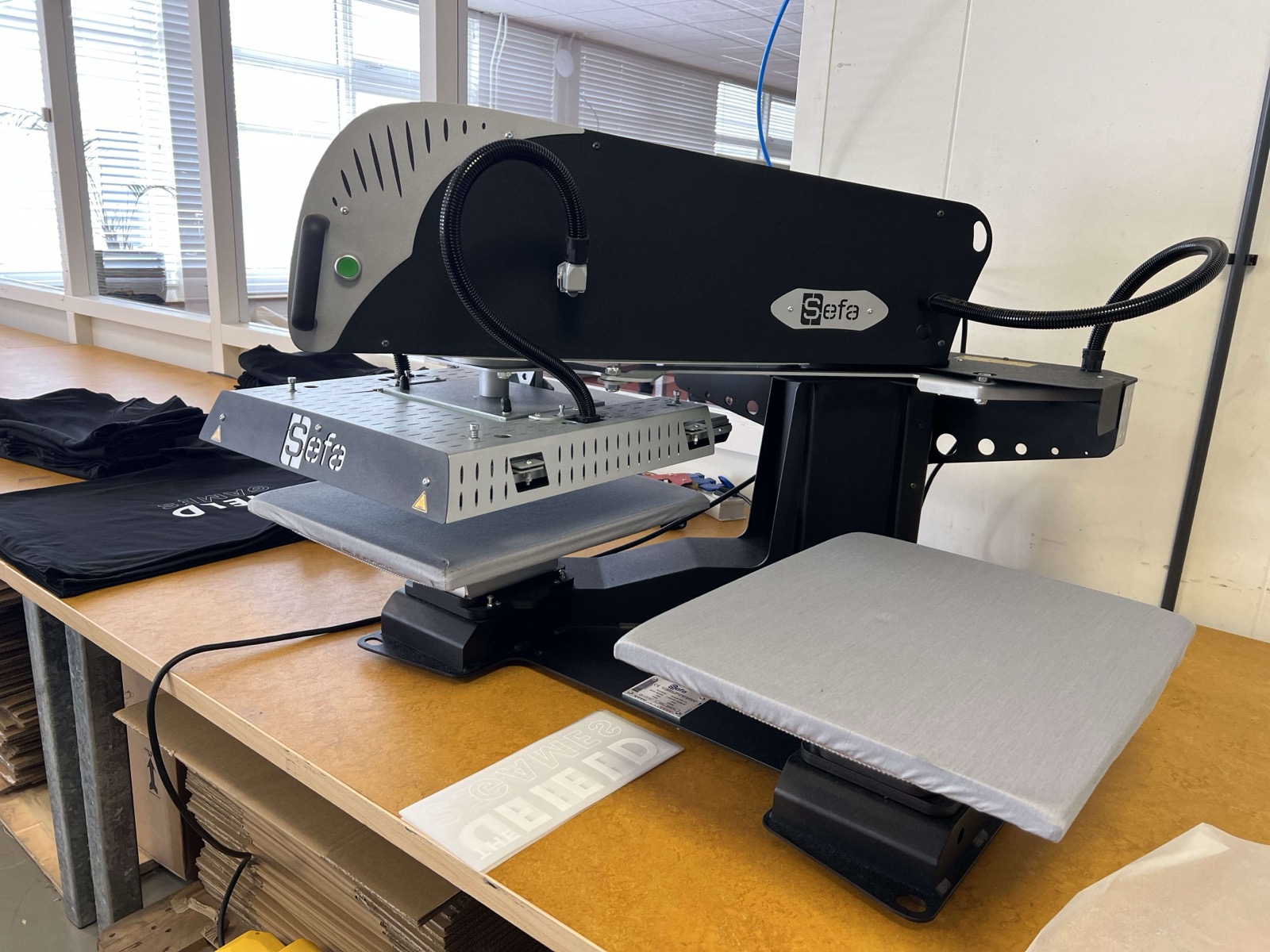
Standard press settings
Temperature: 140–150 degrees
Pressure: Medium (4–5 bar)
Time: 12–15 seconds
Pro tip: For optimal adhesion, we recommend pressing the transfers for a further 4 seconds using a sheet of baking paper.
Cooling: Hot & Cold peel possible (depending on the type of fabric). If you find that the transfer is difficult to peel off the backing, allow it to cool briefly and then remove using the cold peel method.
Step-by-step guide
- Preheat your heat press to 140°C
- Lay the garment flat on the heat press, smoothing out any creases
- Place the transfer on the fabric with the print side facing down
- Press for 12–15 seconds using medium pressure
- Peel off the backing whilst still warm (immediately after pressing or allow to cool, depending on the fabric)
- Optional: press again for 4 seconds using baking paper for extra adhesion
⚠️ Important: Always test on a scrap of fabric first before pressing the entire order. Settings may vary depending on the type of fabric and press model.
Tips for best results
- Use a silicone protective sheet to distribute the heat evenly
- Ensure the fabric is completely dry before pressing
- For stretchy fabrics: do not stretch the fabric whilst pressing
- Wait at least 24 hours before washing for the first time
Washing instructions after heat pressing
Wash the garment inside out at a maximum of 40°C. Do not use bleach or dry clean. Do not tumble dry at high temperatures.